
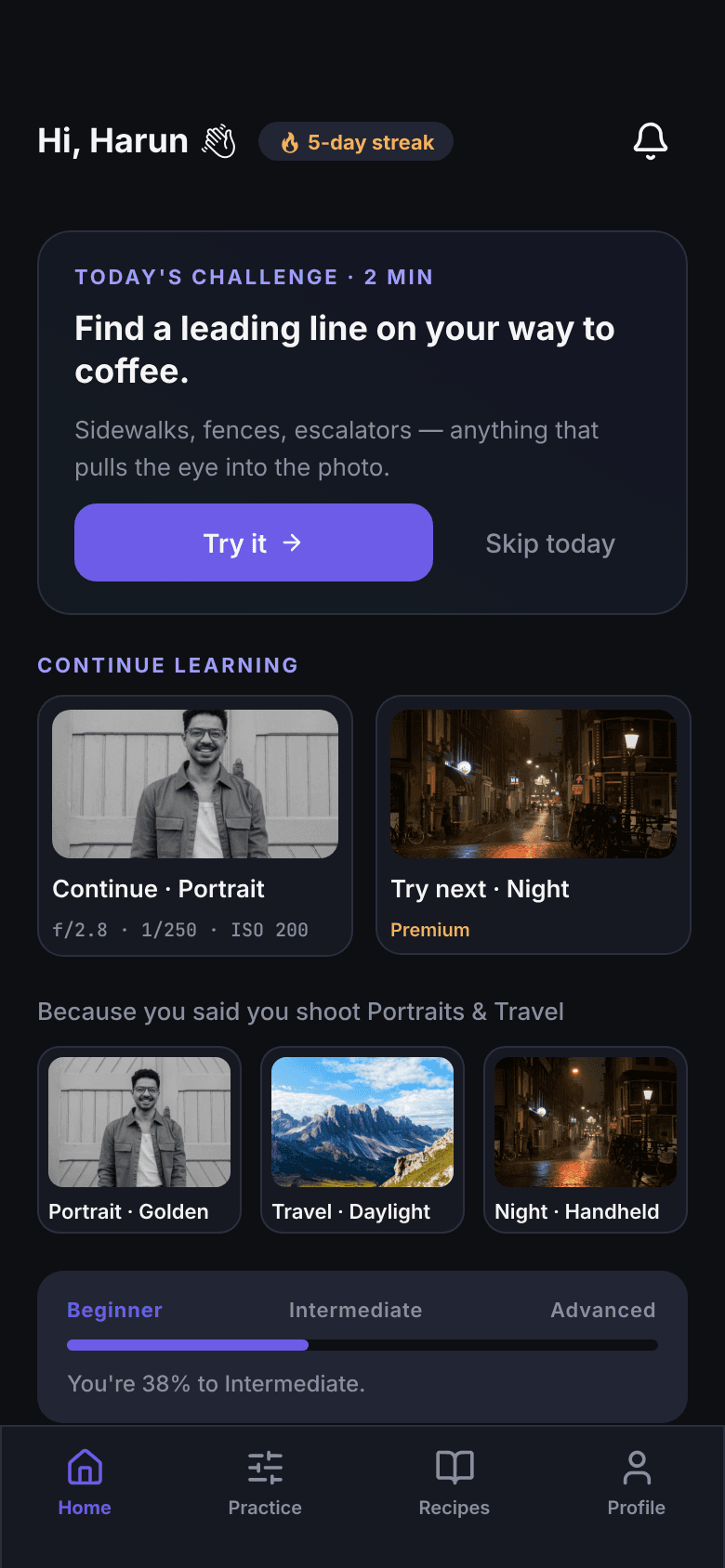
f/2.81/250200
Portrait
Portrait · Golden hour
Wide enough to soften the background. Tight enough to keep both eyes in focus.

85% of camera owners never leave Auto. It's not a confidence problem — it's a teaching problem. Drag a slider, watch the photo change, and learn the exposure triangle in one sitting.
The truth about your camera
85%
Source: Adobe / B&H photography surveys, 2014–2024.
It's not your fault. Camera menus were designed by engineers, not teachers. Most beginners never see what aperture, shutter, and ISO actually do — they just see numbers.
30 minutes. One slider. You're out of Auto.
The simulator
Three apertures, same scene. The number on the lens stops being a number — it becomes a feeling.
 f/16
f/16Everything sharp
Aperture closed. Foreground and horizon both crisp.
 f/4
f/4Subject pops
Background softens, the eye lands on the subject.
 f/1.8
f/1.8Creamy bokeh
Wide open. Background dissolves into pure light.
Inside the app, this is one slider you drag with your thumb. Same slider for shutter speed and ISO.
The triangle, color-coded
Every screen in the app uses the same code. Aperture is purple. Shutter is gold. ISO is cyan. After ten minutes, you stop reading the labels — you just see the colors.
How wide the lens opens.
How long the sensor sees.
How loud the sensor listens.
Steal these settings
Recipes are flash cards built for the moment you're standing at the camera. Big numbers, no clutter.
Portrait
Wide enough to soften the background. Tight enough to keep both eyes in focus.

Travel
Sharp from front to back. Postcard-ready depth, no motion blur.

Night
Open the lens, let the photons in. Modern sensors handle ISO 1600 cleanly.
Brand-aware lessons
Tutorials reference the dial markings on your camera — not Canon's in general, not Nikon's in general. Yours specifically.
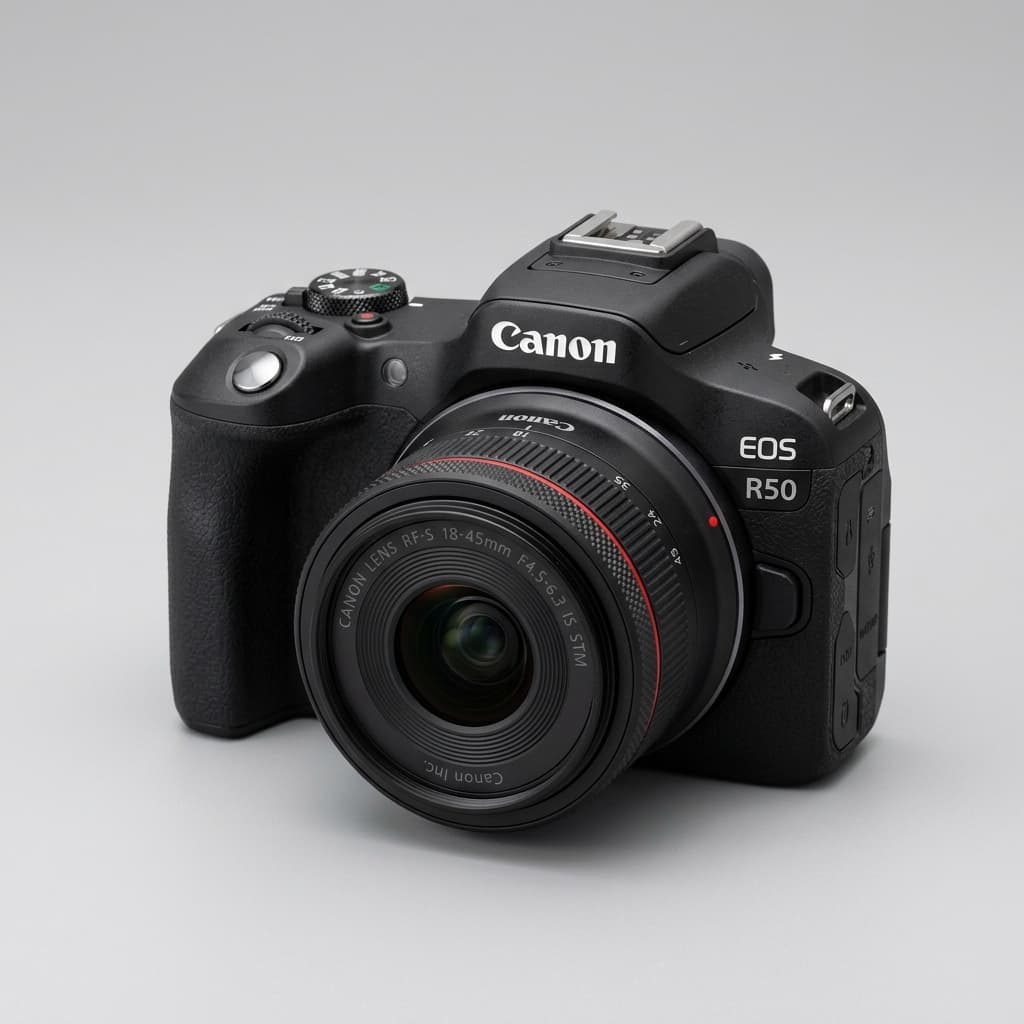
Canon
Rebel · R50 · R10
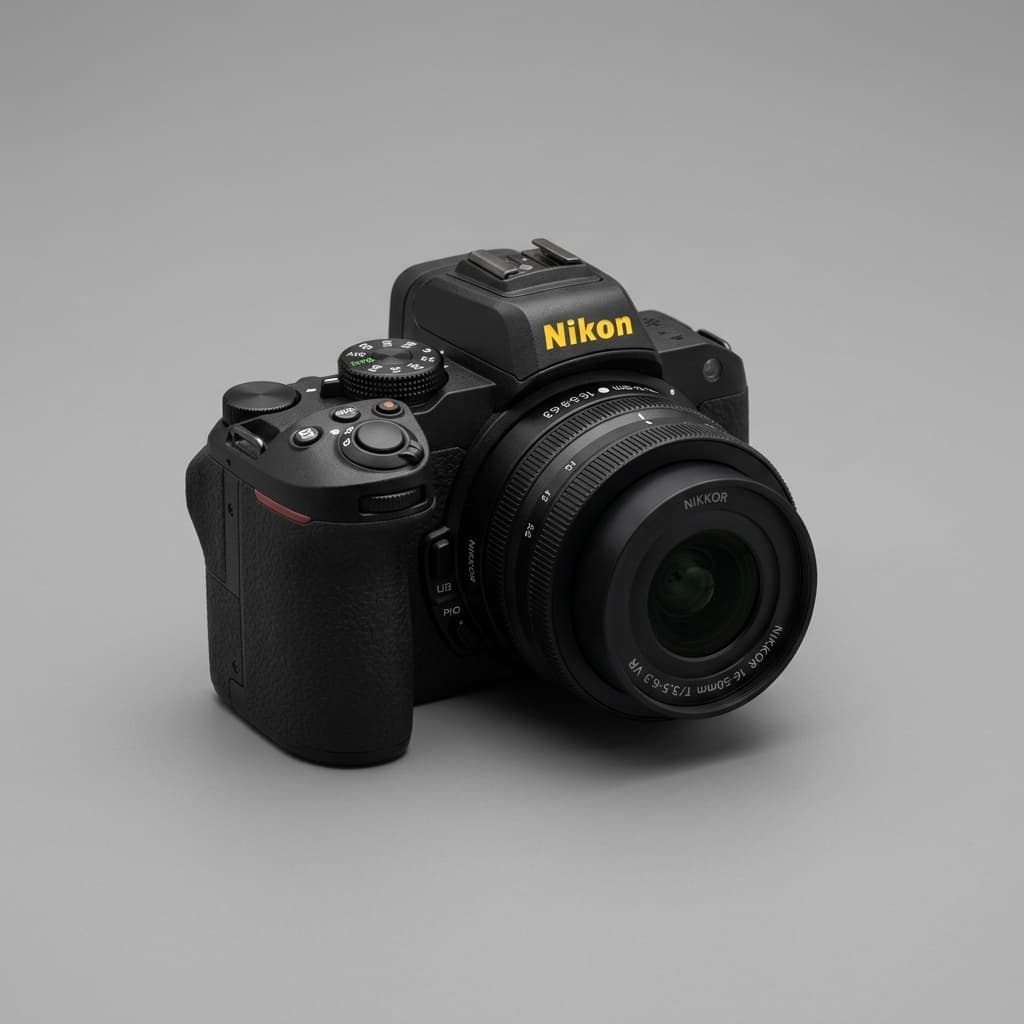
Nikon
Z30 · D3500 · Z50
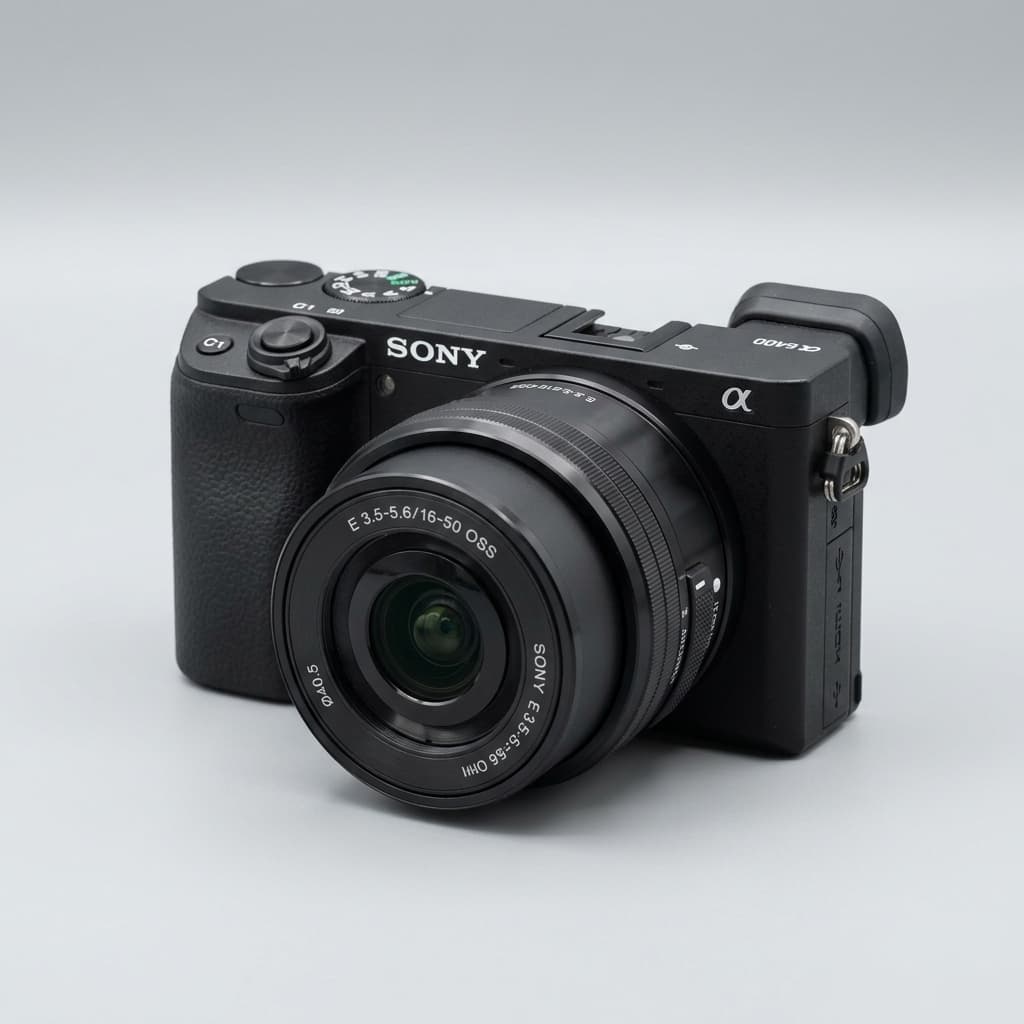
Sony
a6000 · ZV-E10 · a6400

Fujifilm
X-T30 · X-S10 · X-T5
No camera yet? The simulator works without one. When you pick one up later, the lessons grow with you.
Two minutes a day
A 2-minute prompt that fits between sips of coffee. Skip a day, your streak forgives you. We won't make a fuss.
Today's challenge · 2 min
Sidewalks, fences, escalators — anything that pulls the eye into the photo.
How we teach
Every concept is a thing you do, not a thing you read. No 40-minute YouTube tutorials.
Lessons reference your Canon, Nikon, Sony, or Fuji dial. Universal guidance for everything else.
A 2-minute daily challenge keeps the habit alive. Skip-friendly streaks — no guilt.
No XP, no badges. You learn one thing well, then the next. Progress, quietly.
FAQ


